Priya Natarajan
Midday, 11 to 1 · Pickup
Write "Happy birthday, Asha" in white.
Bakery, Los Angeles, name changed
An order and production system for a Los Angeles bakery, live for its front desk and its kitchen.
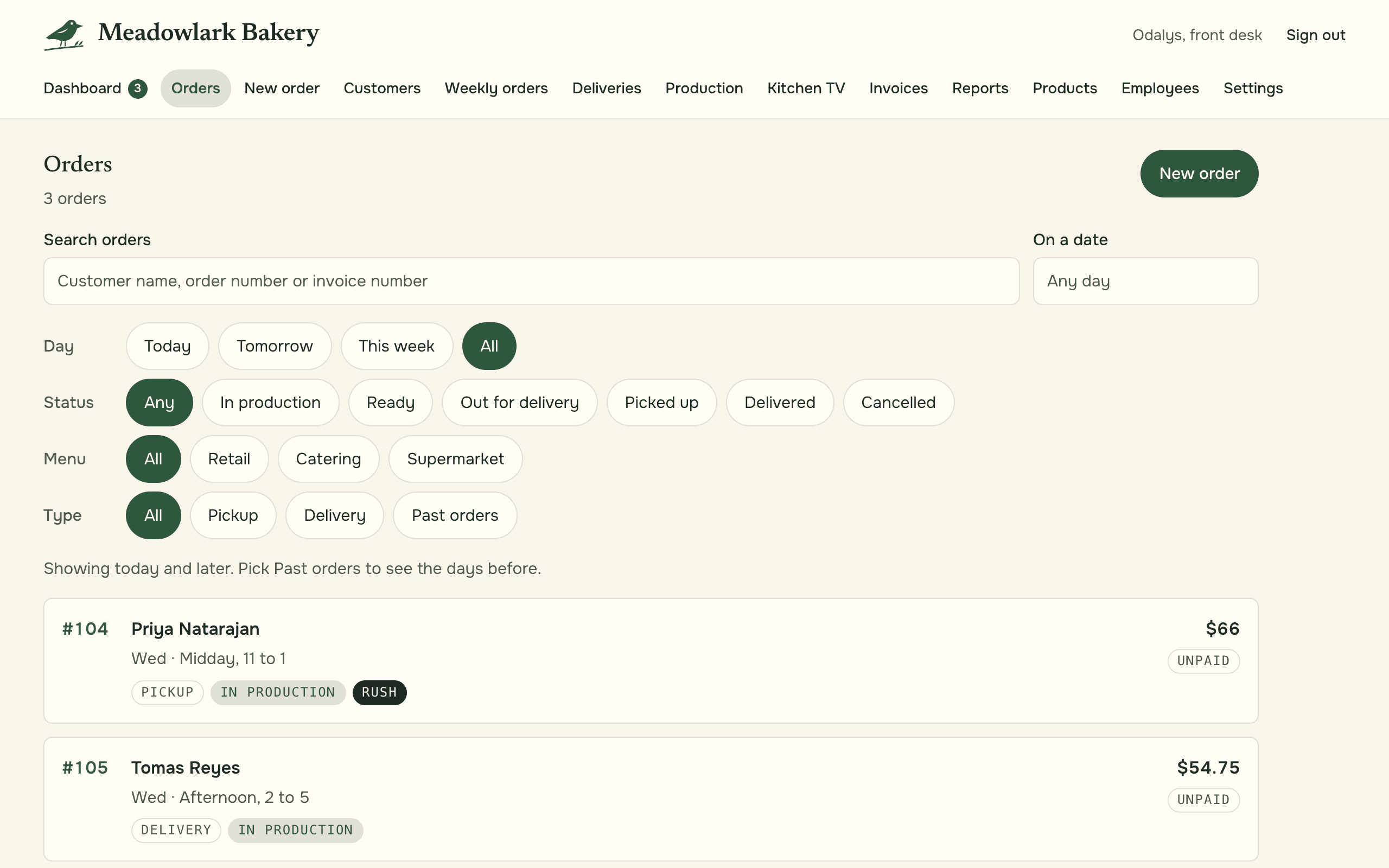
Meadowlark Bakery is a fictional name for a real bakery in Los Angeles, and every screen on this page shows sample data. Its front desk takes orders from a single custom cake to a standing order that repeats every week, and its kitchen turns the day's orders into a day of baking.
We built the system the shop takes those orders in. It is one app with a login for each job, owner, front desk and kitchen, and each login opens on the screens that job needs.
Features
The front desk takes an order in short steps on a phone or a tablet, from the customer and the items to pickup or delivery and the deposit, then reviews the whole order before saving it.
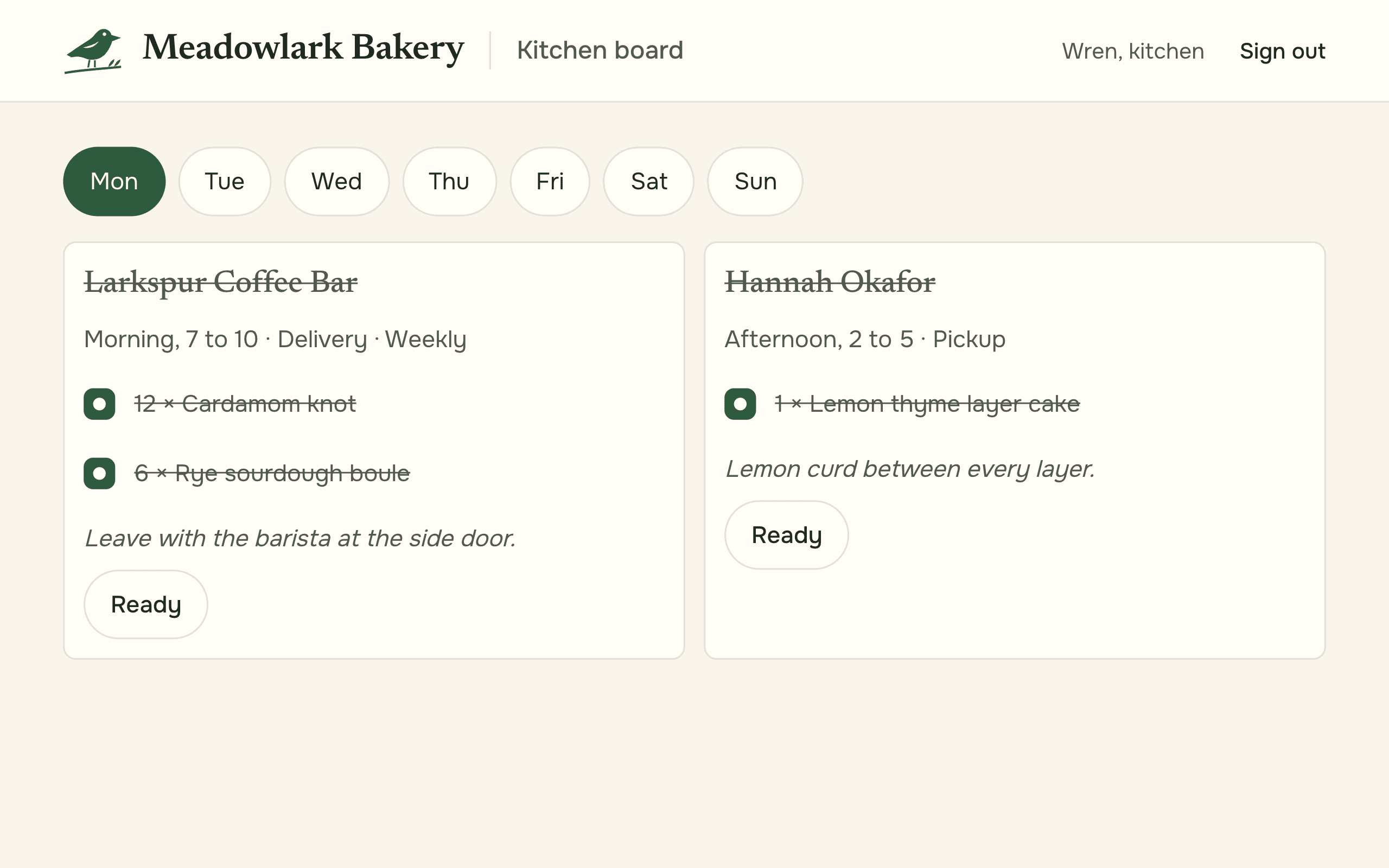
Each of the day's orders is a card on the kitchen's screen, and the kitchen ticks items off as they are made.
The day's orders are added up by item, so the kitchen knows how many of each thing to make and how many are left.
An order that repeats every week is generated on a schedule, so it appears on the right days without anyone typing it in again.
Deposits and payments go through Stripe's hosted checkout, and each invoice comes straight from its order.
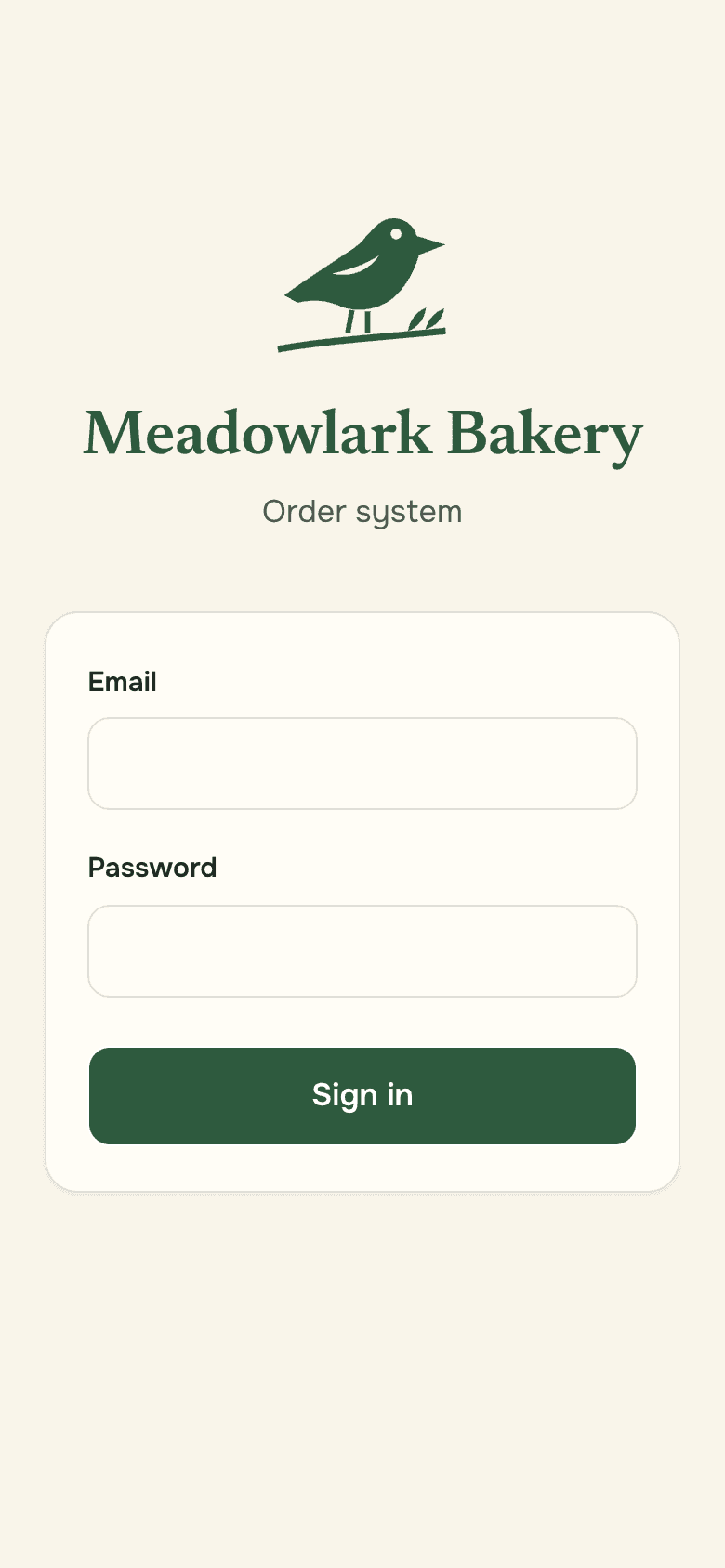
Each person signs in to the screens for their job, and the owner has the reports and the invoices in one place.
A bakery order carries more detail than it looks. The items, the custom cake notes, pickup or delivery, the time and the deposit all have to reach the kitchen and the invoice exactly as the customer gave them.
So a new order is a short wizard built for a phone or a tablet: the customer, who took it, the items, the custom cake details, delivery or pickup, the date and time, the deposit, then a review of the whole order before it is saved. Nothing is typed twice after that.
The kitchen needs the same orders from another angle: not who ordered what, but how many of each item to make on a given day.
The kitchen board lays out the day's orders as cards on the kitchen's own screen, and the kitchen ticks items off as they are made. The production board adds the same orders up by item, so the kitchen knows how many of each thing to make and how many are left, and the front desk can see what is ready to go.
Sample
The app on its own screens, with made-up data. On a computer, the controls work.
Midday, 11 to 1 · Pickup
Write "Happy birthday, Asha" in white.
Afternoon, 2 to 5 · Delivery
Standing orders are generated on a schedule, so a weekly order appears on the right days without anyone typing it in again.
Deposits and payments go through Stripe's hosted checkout, invoices come straight from the orders, and customer messages go out by email, with text messages on the shop's own number.
Try it
The same flow on a fictional bakery with sample data: place an order, watch it land on the kitchen board, see the bake sheet add it up, and open the invoice it makes. Your sample orders never leave your browser tab.
Open the demo bakeryThe accounts that matter are in the shop's name, from the Fly.io hosting to Stripe and the text number. The database is backed up every night, and the restore has been tested, not just assumed.
The app is live for the shop's staff and kitchen. Each person signs in to the screens for their job, and the owner has the reports and the invoices in one place. Its staff journeys also ran through the QA chassis, the testing rig in our lab work, at phone and desktop sizes.
A few lines about your business is enough to start. We reply with questions and a plain next step.